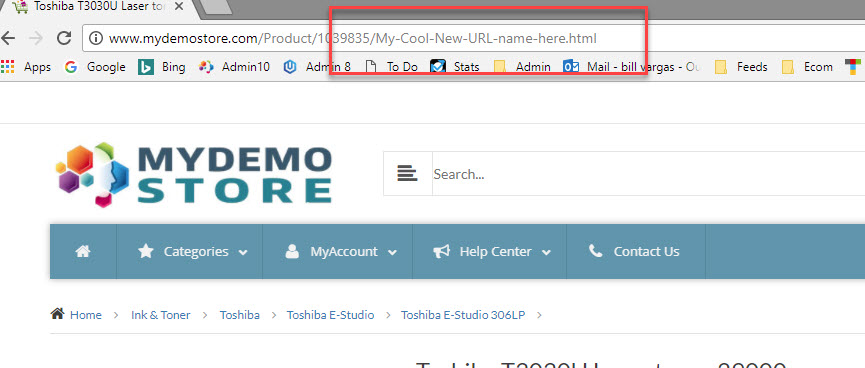
How do I create a Custom Product URL?
While your Power-eCommerce store will generate SEO friendly URLs based on the product's name, there may be situations where you'd like to control the exact way a product page URL appears.
Maybe your pages have some rankings based on a specific URL name, or maybe you just need to make the page URL easier to remember. Power-eCommerce makes it easy to customize your product's URL.
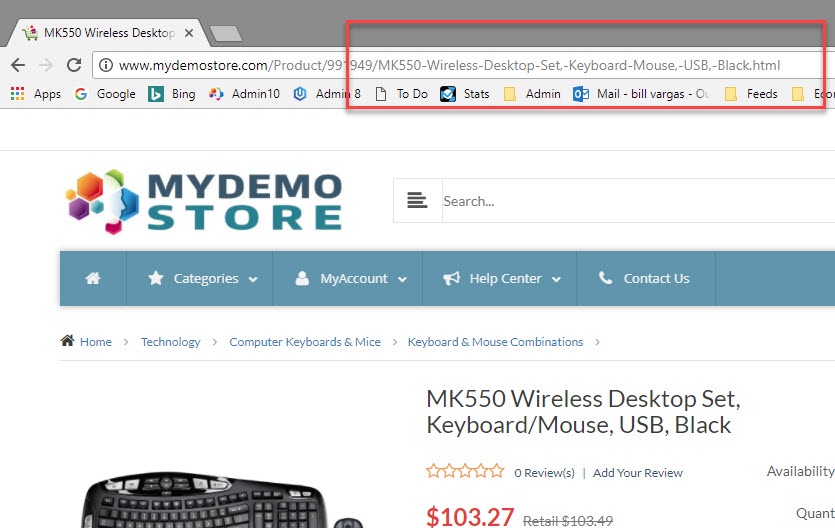
Enabling Custom URL Names
- Go to Products -> Product List.
- Search for the product you would like to edit the URL
- Click Edit Product.
- Now Click on the "Options" tab at the top and then the "SEO Options" in the left menu. See the image below.
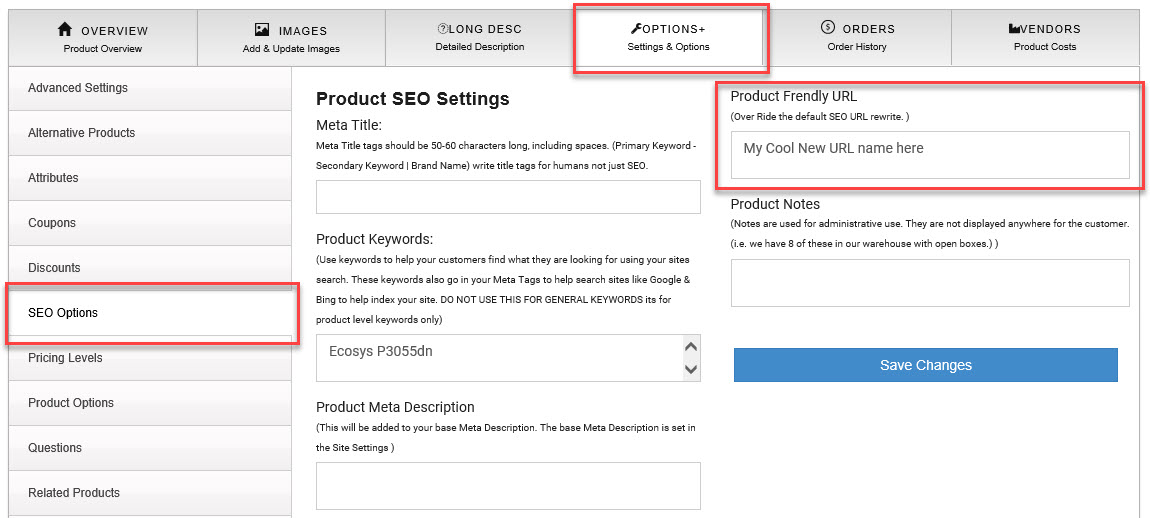
- Fill in the URL name you want in the Box "Product Friendly URL"
- Click "Save Changes"