How do I add Featured Products to my page?
To add a featured product to the Home Page.
- Go to Products -Product List.
- Search for the Item you wish to add or remove from the Featured Products.
- View the Item.
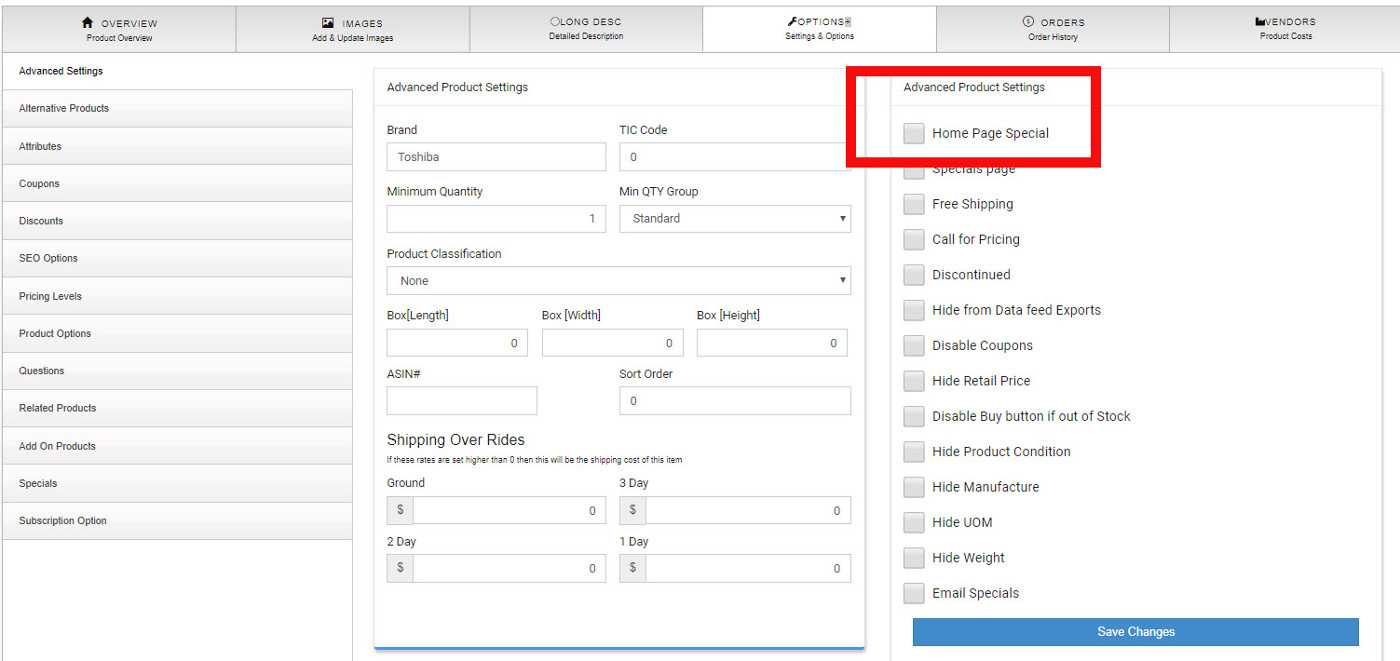
- Click on the "Options Tab"
- Check the box "Home Page Special" to add an item. Or uncheck the box to remove the item.
- Save Changes
There should be at least 5 items in the Featured list, not more than 20 is recommended.
This article is a quick reference on how to Hide a product manually (without an import).
Hiding a Product
To manually hide a product:
- Go to Products ->Product List
- Search for the Product you would like to hide.
- Click on "Edit" related to that product.
- Now Click on the "Active" button for that product.
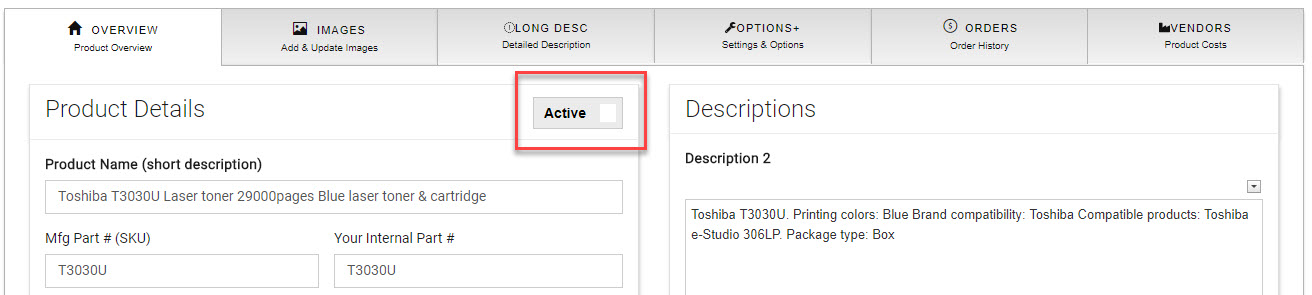
- Once you have clicked on the button it will turn red and show "Hidden".

- No need to save changed
This will hide the product from searching and categories.