Printing Order from Store Front (MyAccount).
Printing Order from Store Front (MyAccount).
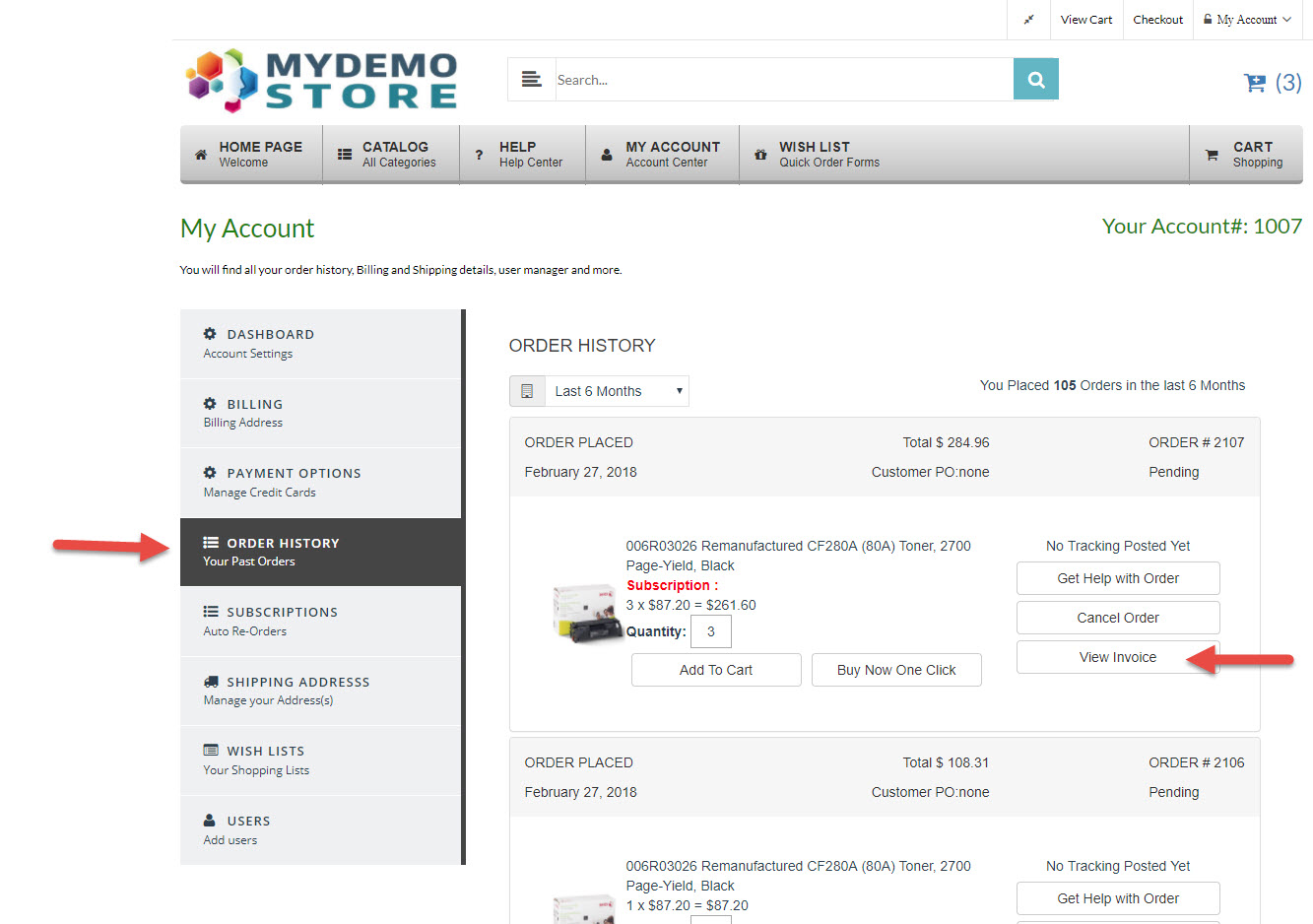
If, for some reason, your customer does not receive an order notification email, they can print it for themselves through their MyAccount from your Store (www.mystoredomains.com/MyAccount/) using steps:
- Have the customer Login to your Store ("www.mystoredomains.com/MyAccount/") .
- From their MyAccount Page Go to "Order History" then find the order they need .
- Click on the "View Invoice" button
- Click the "Print Invoice" button located towards the top right of the page
- The invoice will open now Look to the top center for the "Print" button. Click the "Email" button located towards the top right of the page