Change the Add to Cart Buttons?
How Do I Change the Color of the Add to Cart Buttons?
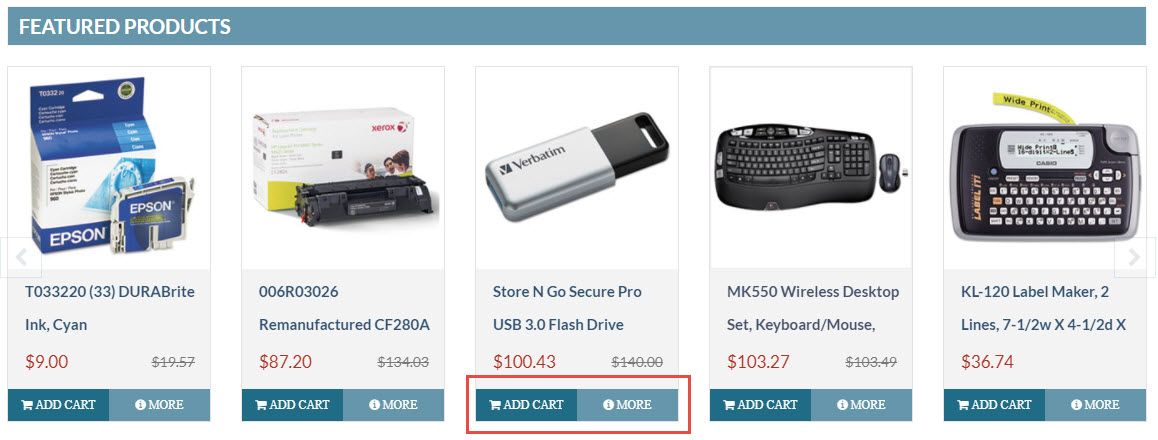
- To change text and colors of the "Add To Cart" & "More" Info buttons on your store.
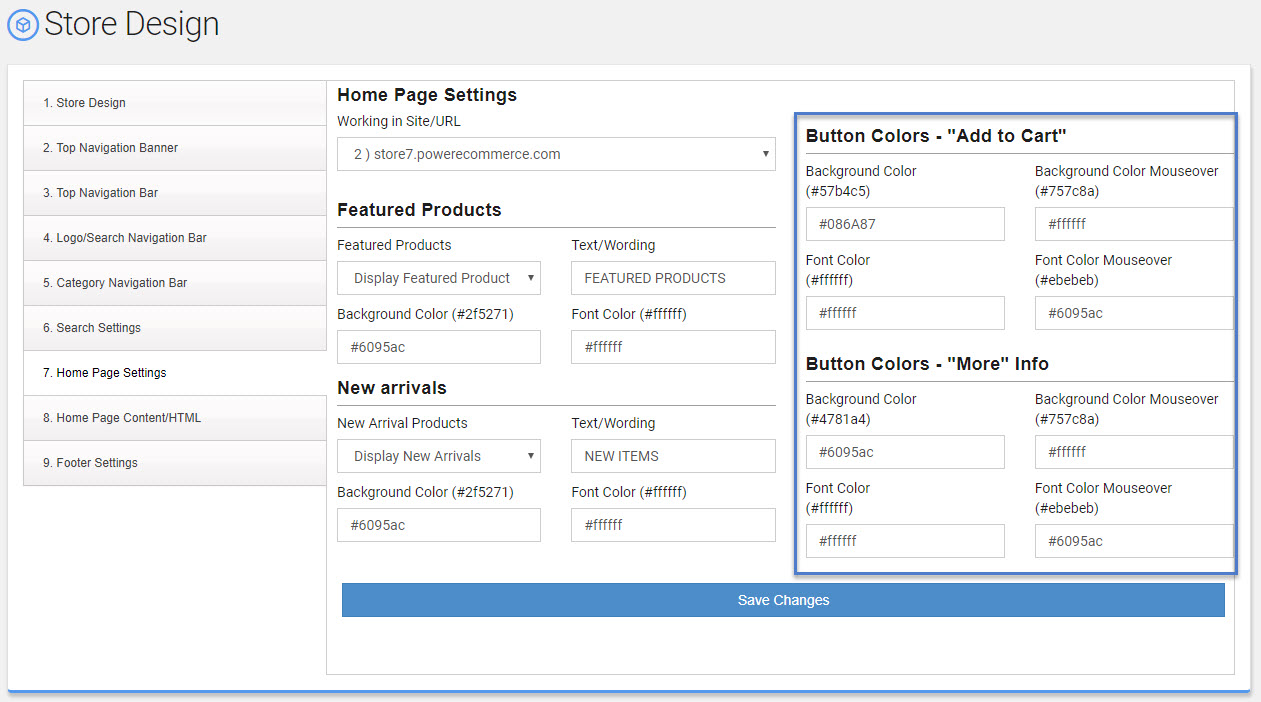
- Using the left hand menu, go to Settings -> Store Design -> #7 Home Page Settings
- Navigation to the "Button Colors" area
- From this area you can do change the following:
- Background Color
- Background Color Mouseover
- Font Color
- Font Color Mouseover.
- Make your changes
- Click "Save Changes"
These changes will change the buttons on all pages of your store not just the home page.