Added or Changing Slider Banner on the home page.
To Changing, Delete or add a Slider Banner to the home page.
- In the left menu go to Settings -> Banners/Images
- You will be on the Banner/Slider tab by default.
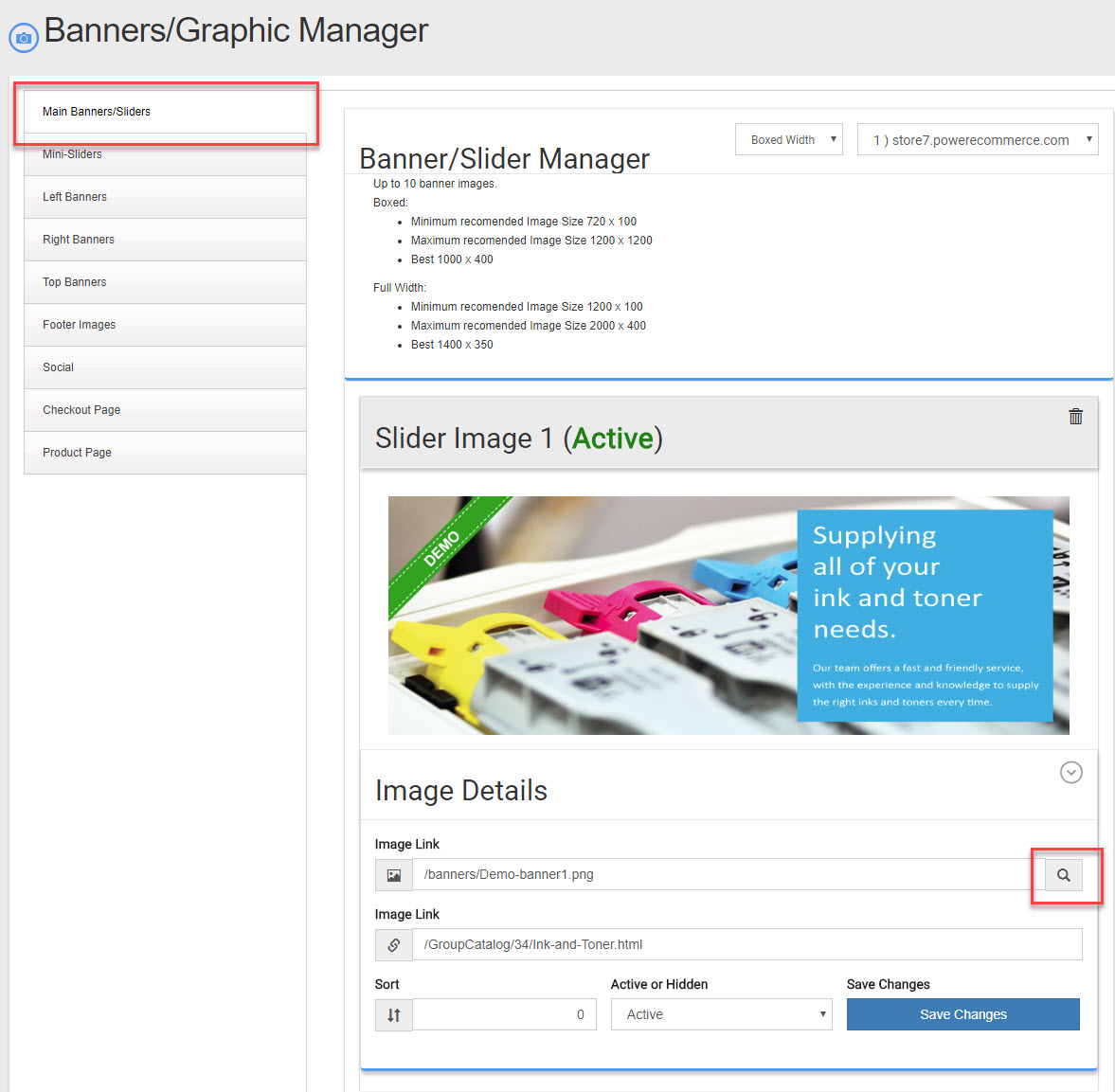
- In the 1st line called "Image Link" you can enter the location of the image if you know it or click the search icon to the far right and you can select from a list of banners already uploaded you will be able to upload a new banner there as well.
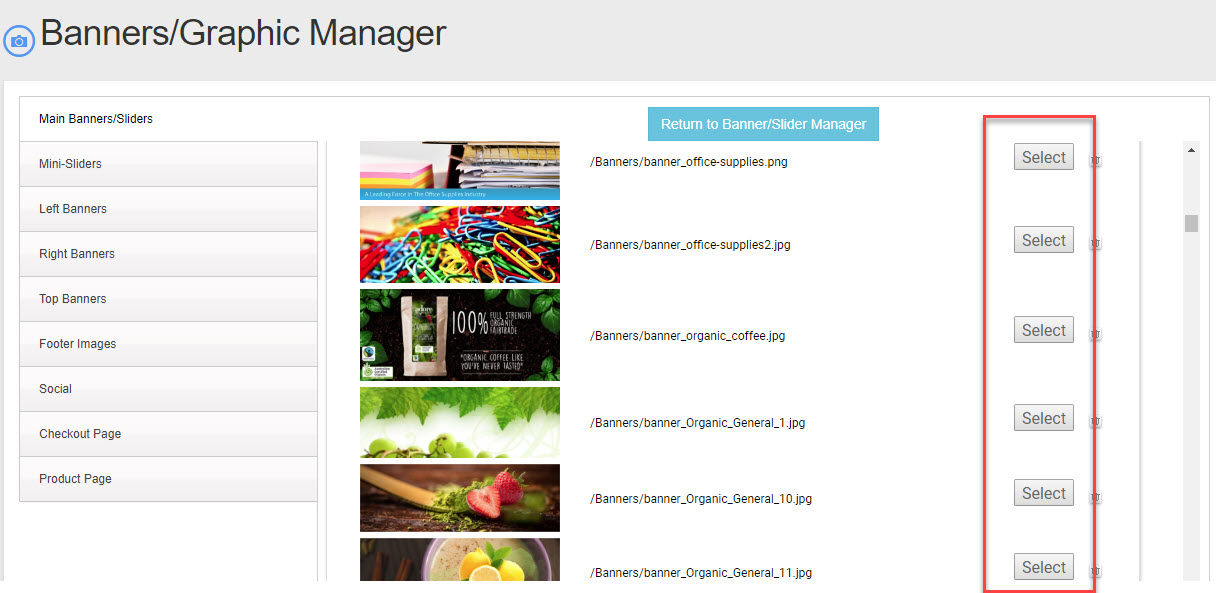
- Select the banner you want to add or change. Once you do the page will return you to the 1st page of banners/sliders.
- If you upload a new banner and get an error be sure the image is less than 1.2 MB in total size.
