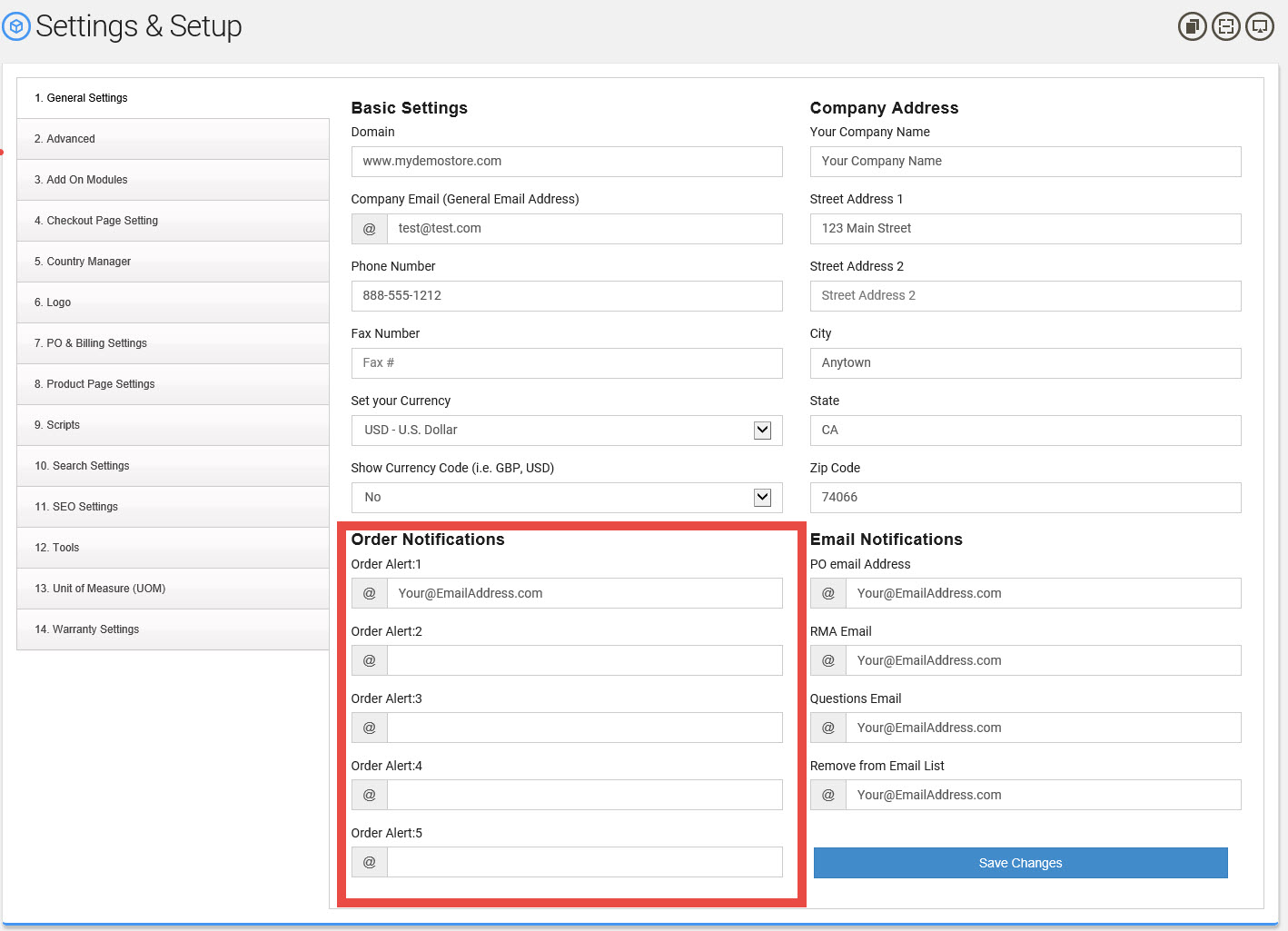
To specify one or more email addresses to be used for alerting you when an order is placed.
To change the email(s):
Go to Settings -> General Gettings
Look for Order Notifications
"
" (or leave blank)
" (or leave blank)
" (or leave blank)
" (or leave blank)
Next, click on the "Save Changes"
Note:
If you need more than 5 email you will need to setup a distributed email group with your email service provider. This will be where one email address (i.e. [email protected]) would be distributed to multiple email addresses. We do not provide this service only your email provider can provide this.
This documentation is always evolving. If you've not been here for a while, perhaps check out
the This documentation is always evolving.